UX Design Certificate
Tiny Threads App
Through my Google UX Design Certificate, I was able to work my way through a project of my choosing. From start to finish, I researched, designed, and deployed a market place app for second hand kids clothing.
User
Parents looking to buy/ sell second hand clothes
Timeline
May - November 2025
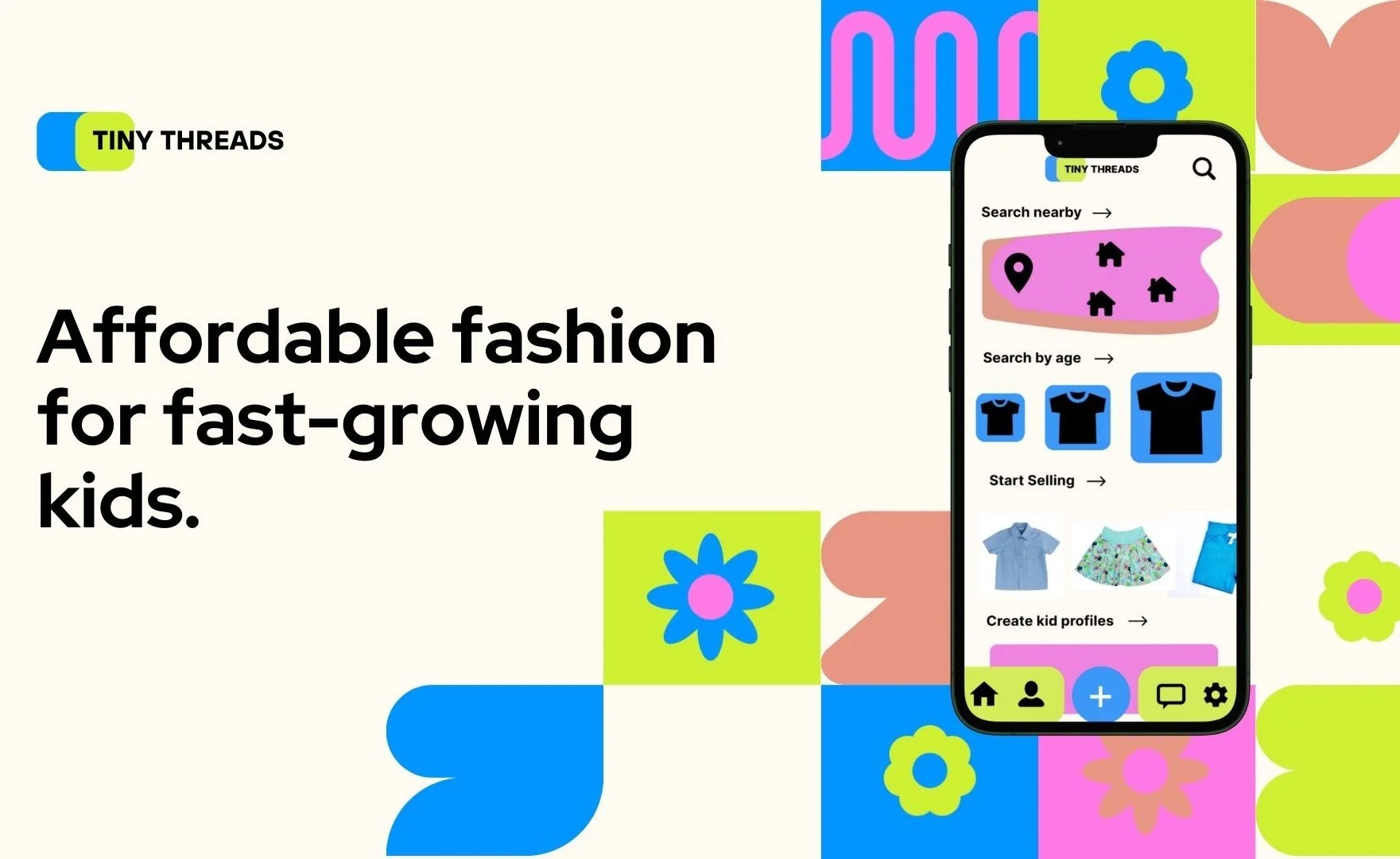
It’s hard for parents to manage their growing kids clothes needs, and deal with out-grown clothes. We are designing an app and a responsive website that helps parents buy and sell used kids clothes.
Overview
The problem:
Kids outgrow clothes quickly and parents who want to save on money can’t afford to constantly buy new clothes

The goal:
Design an app to let parents buy and sell their second hand kids clothes. Keep clothes out of landfills, save parents money, let kids express themselves.
User Research
In empathizing with the user, ideating, and defining the problem, I engaged with potential users. I interviewed parents and conducted qualitative analysis to understand their challenges and key pain points. Through this analysis, I began to understand typical users, developing user profiles, grouping them into personas, and defining user stories to uncover how users might want to interact with this tool.
Through detailed user research, I was able to understand that busy parents want an app that supports local buying and selling of second-hand kids clothes as well as shipping. They want quick app interaction, reliable money transfer, and be free from scams. Users want to be able to easily and sustainably get rid of old kids clothes, and find local families to buy good quality clothes from for cheap.
Personas
Persona #1
Derrick Johns
Problem: Derrick is a dad to one who needs an online second hand store because his kid outgrows clothes quickly.
Goals: Find a sustainable and possibly money-making way to clear out his kids old clothes and let his kid express theirself.
Age: 38 Family: Married, 1 kid Job: Accountant

Frustrations: has no other kids to supply hand-me-downs. Doesn’t like wasting money getting rid of ill fitting clothes every few months
Persona #2
Sarah Mann
Problem: Sarah is a mom to toddlers who needs an easy and quick way to get clothes for her toddlers locally and with ease.
Goals: Save time in a busy work schedule and managing two young children. Make shopping for kids clothes easy.
Age: 33 Family: Two toddler kids Job: Public policy
Frustrations: Taking kids to the mall or outlets is difficult and time consuming.
"Being a busy parent on a budget means I can’t afford the time or money for new clothes all the time […] And I don’t exactly want to buy a whole new wardobe every six months."
— Participant 2, User research
Wireframing
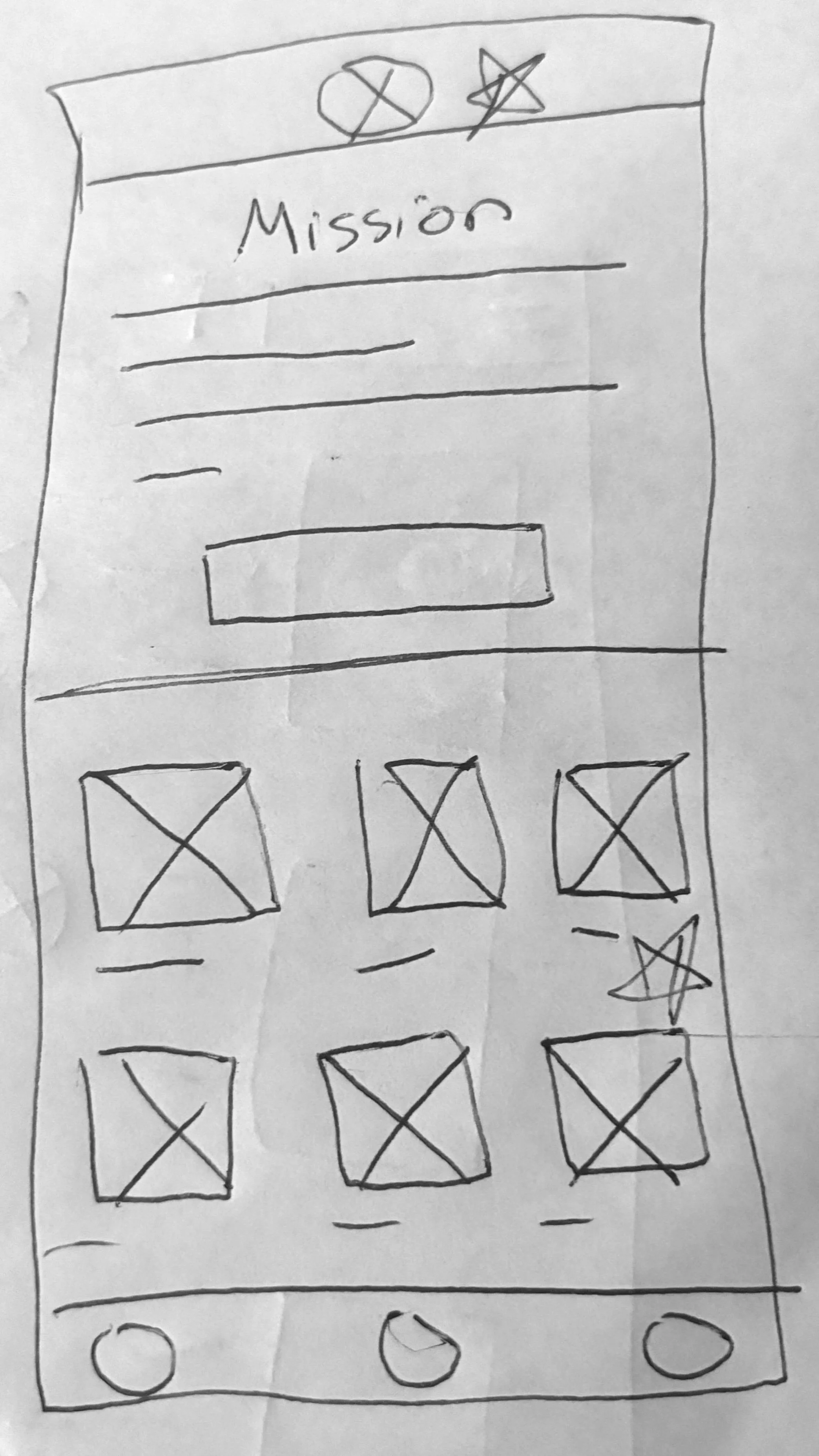
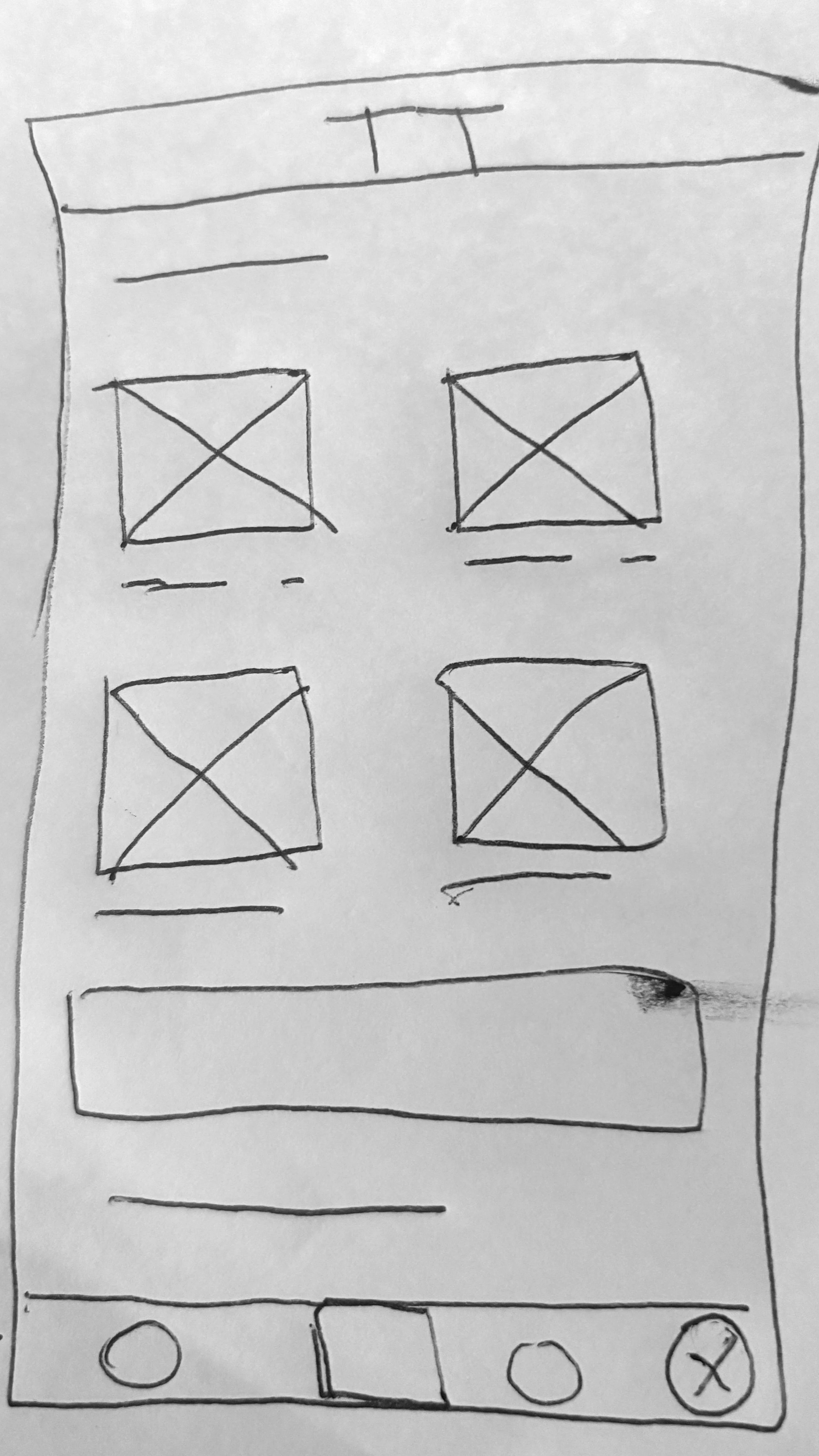
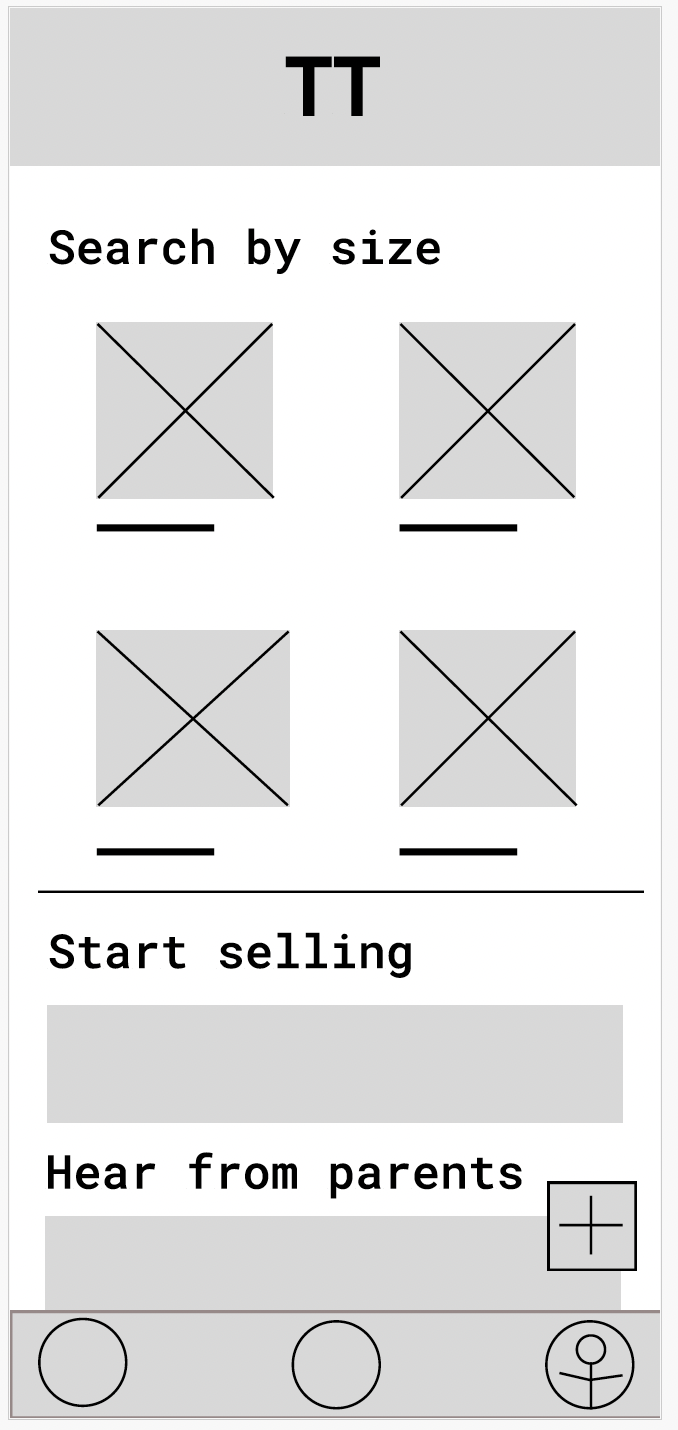
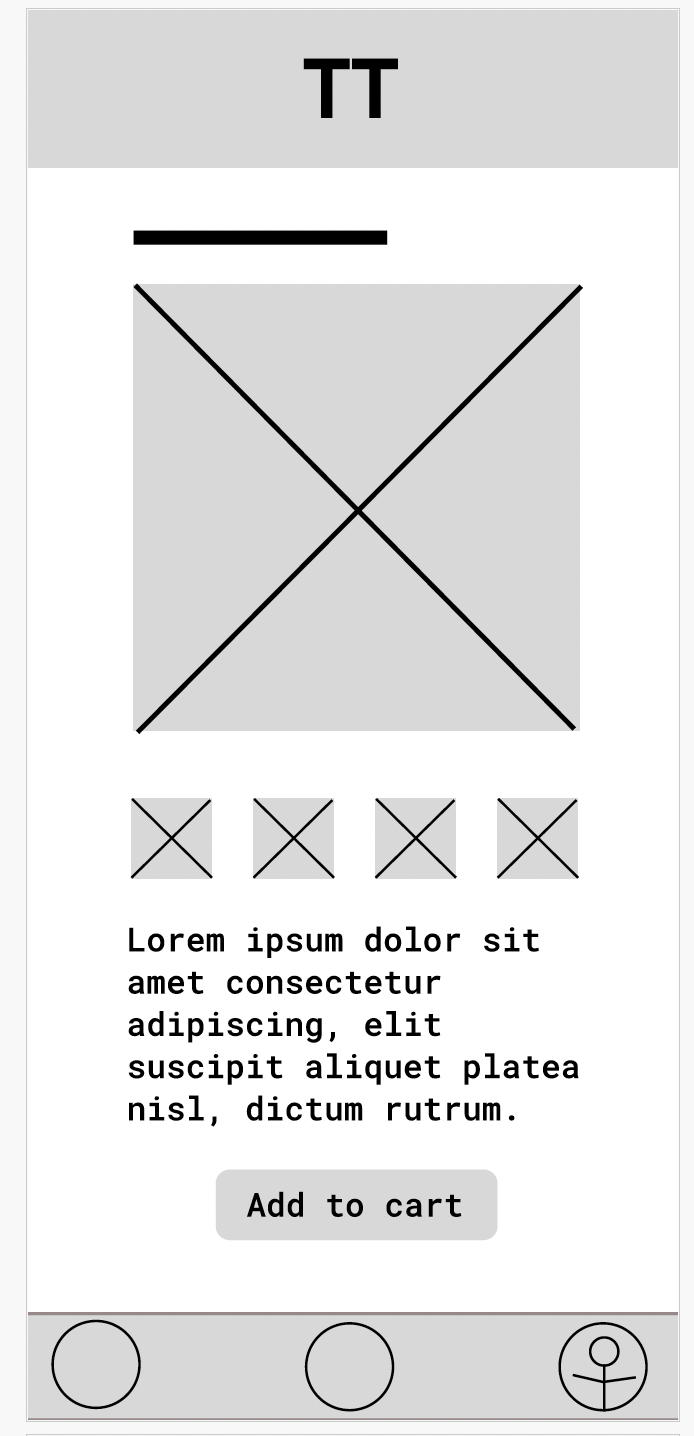
Prototyping
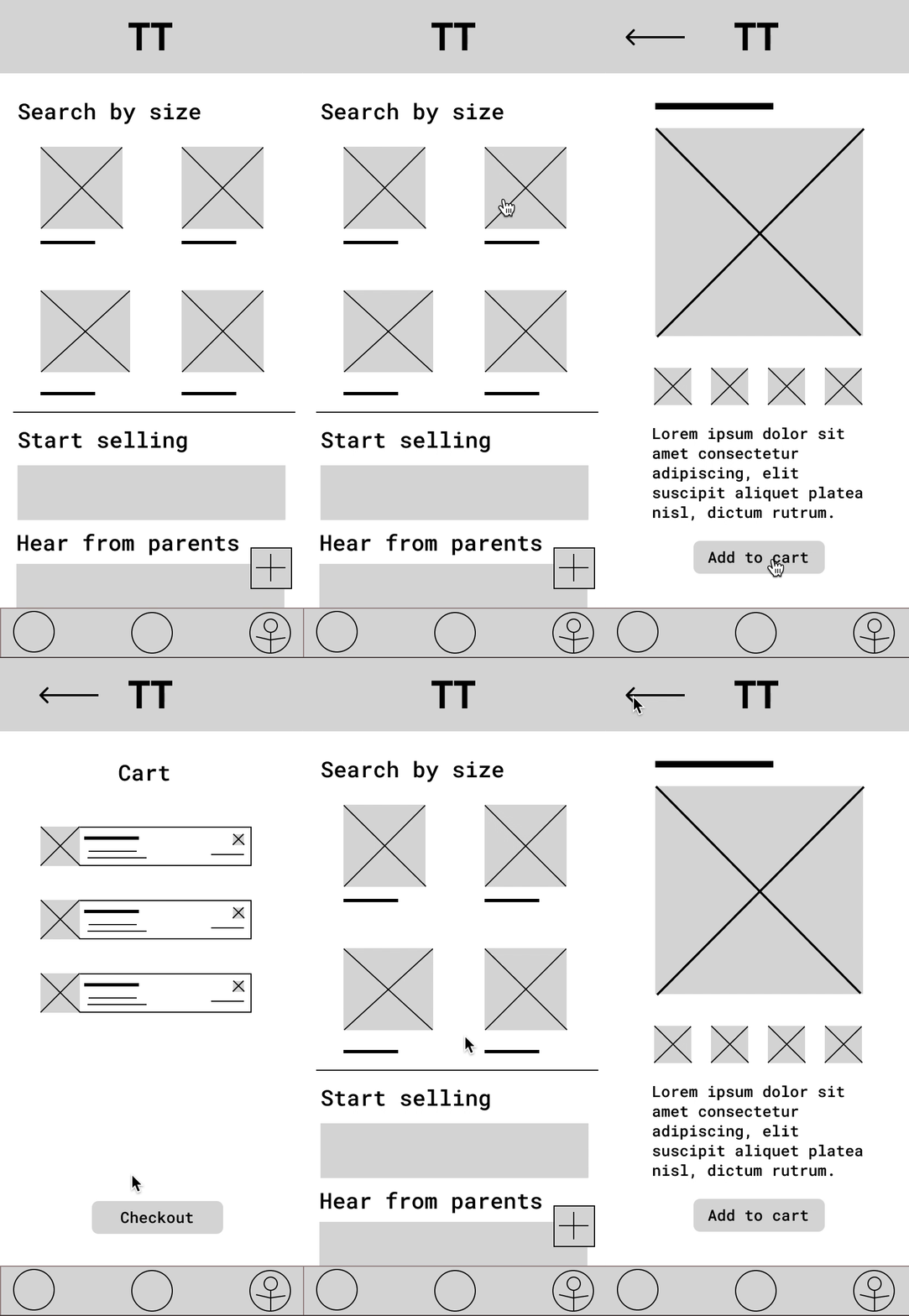
Through Figma, I took the low fidelity wireframes and turned them into prototypes able to iterate through different pages. In this prototype, the user moves from clothing item to shopping cart to checkout.